Bose QuietComfort Ultra Headphones (2nd Gen) Review
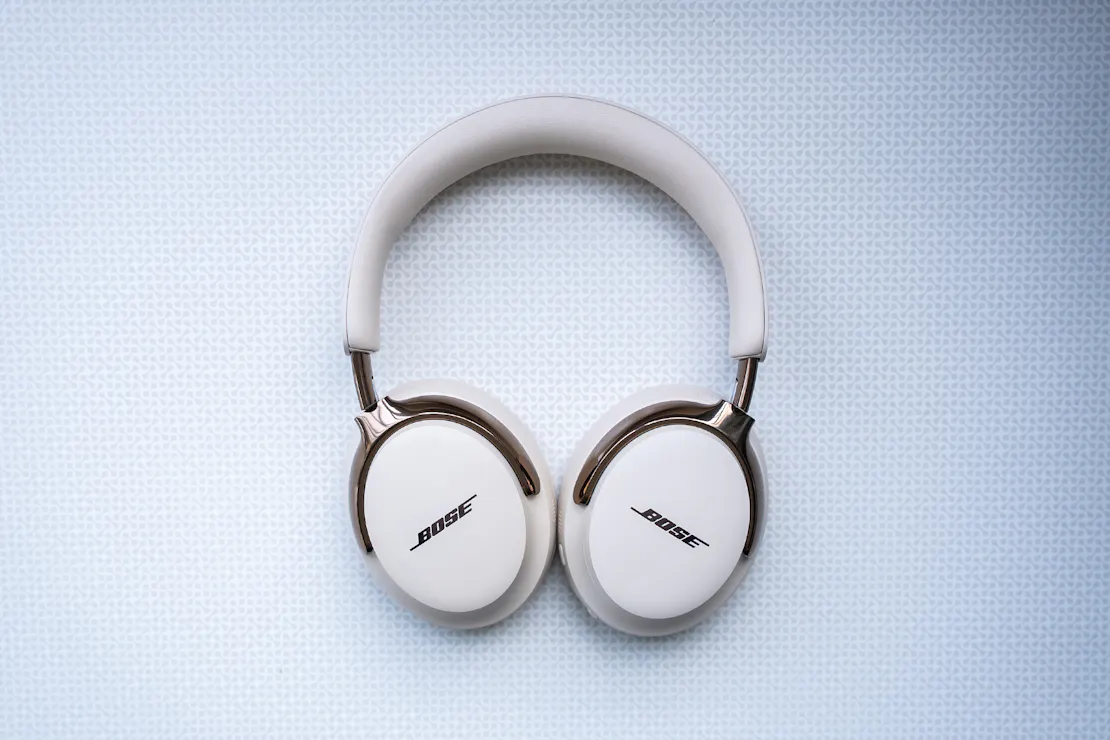
The Bose QuietComfort Ultra combines lightweight comfort, intuitive controls, and a slim travel case—perfect for all-day use, with just average battery life.
Our Verdict
Save time. Get access to brief summaries of our reviews so you can browse and make decisions more efficiently.
Pros
- Super comfortable earcups with plush, removable pads that snap off easily for cleaning
- It has simple, intuitive controls, with deeper customization available in the app
- The lightweight, stable fit stays put during movement and long listening sessions
Cons
- Battery life is solid but not class-leading; you may need to charge it by the end of the day
- Plastic construction may not feel premium enough for the price
- Can be finicky to get the headphones to quickly sit right in the storage case
Technical Details
-
Weight (lb)
0.583 lb (0.3 kg)
-
Dimensions
1.772 in x 6.299 in x 8.071 in (4.5 x 16 x 20.5 cm)
-
Notable Materials
Plastic, Aluminum, Leather
-
Warranty Information

Full Review
Comfort is one of those things you can’t fake in a pair of over-ear travel headphones. You notice it immediately on a long flight, during back-to-back Zoom meetings, or when you’re halfway through a playlist deep dive. After spending a lot of time wearing the Bose QuietComfort Ultra, we find ourselves appreciating how seamlessly they disappear on your head. Plush padding, a lightweight frame, and intuitive wear detection create an experience that feels pleasantly effortless—even when worn for hours at a time.
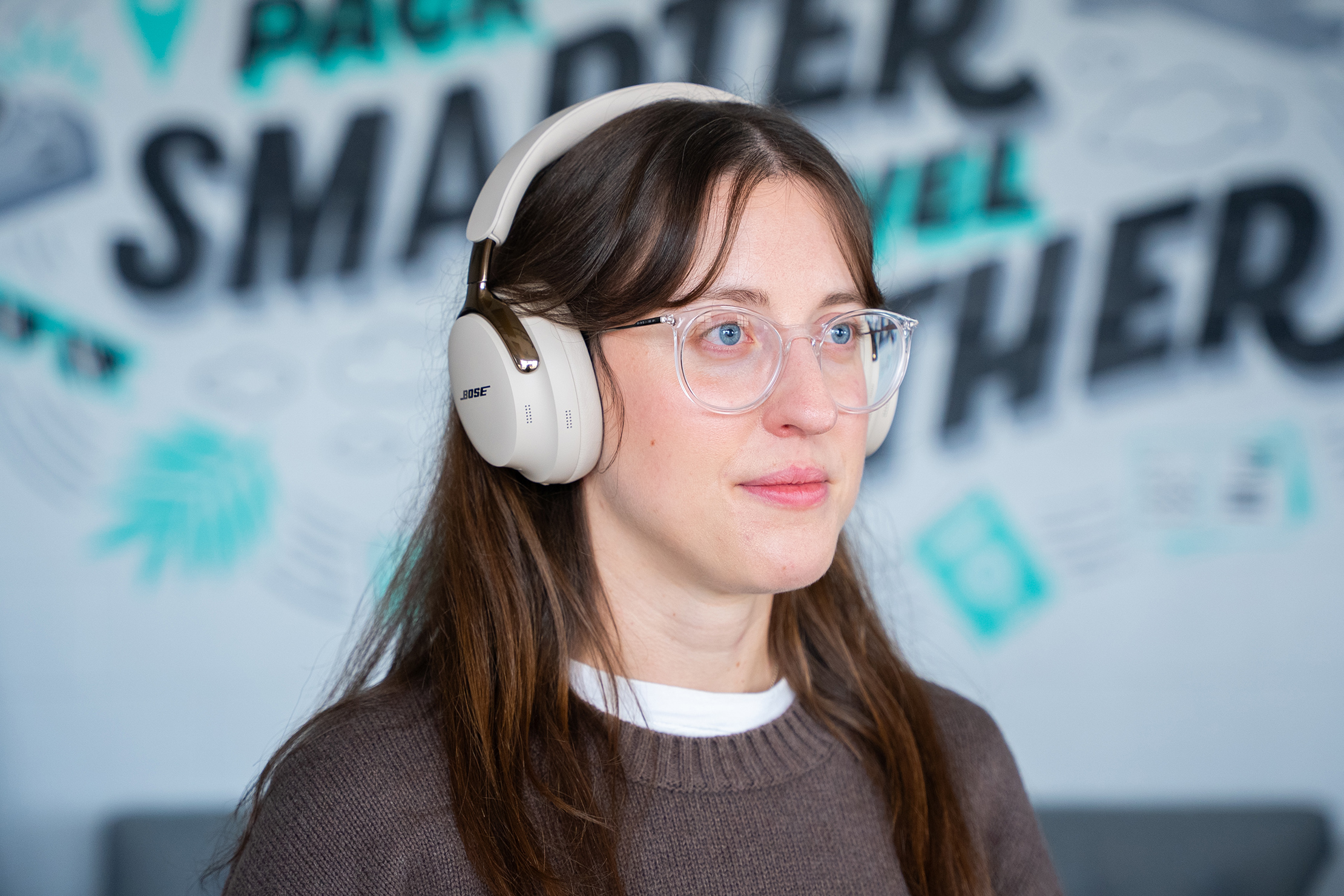
But comfort alone doesn’t make a great pair of headphones. The QuietComfort Ultra also brings smart, everyday-friendly features that slide into your routine without demanding much attention. The simplified control layout, reliable multipoint connectivity, and surprisingly customizable app all contribute to headphones that feel thoughtfully dialed-in rather than over-engineered. They’re not the longest-lasting pair in terms of battery life, but for daily use, commuting, and travel, these strike a balance we like.
The Rundown
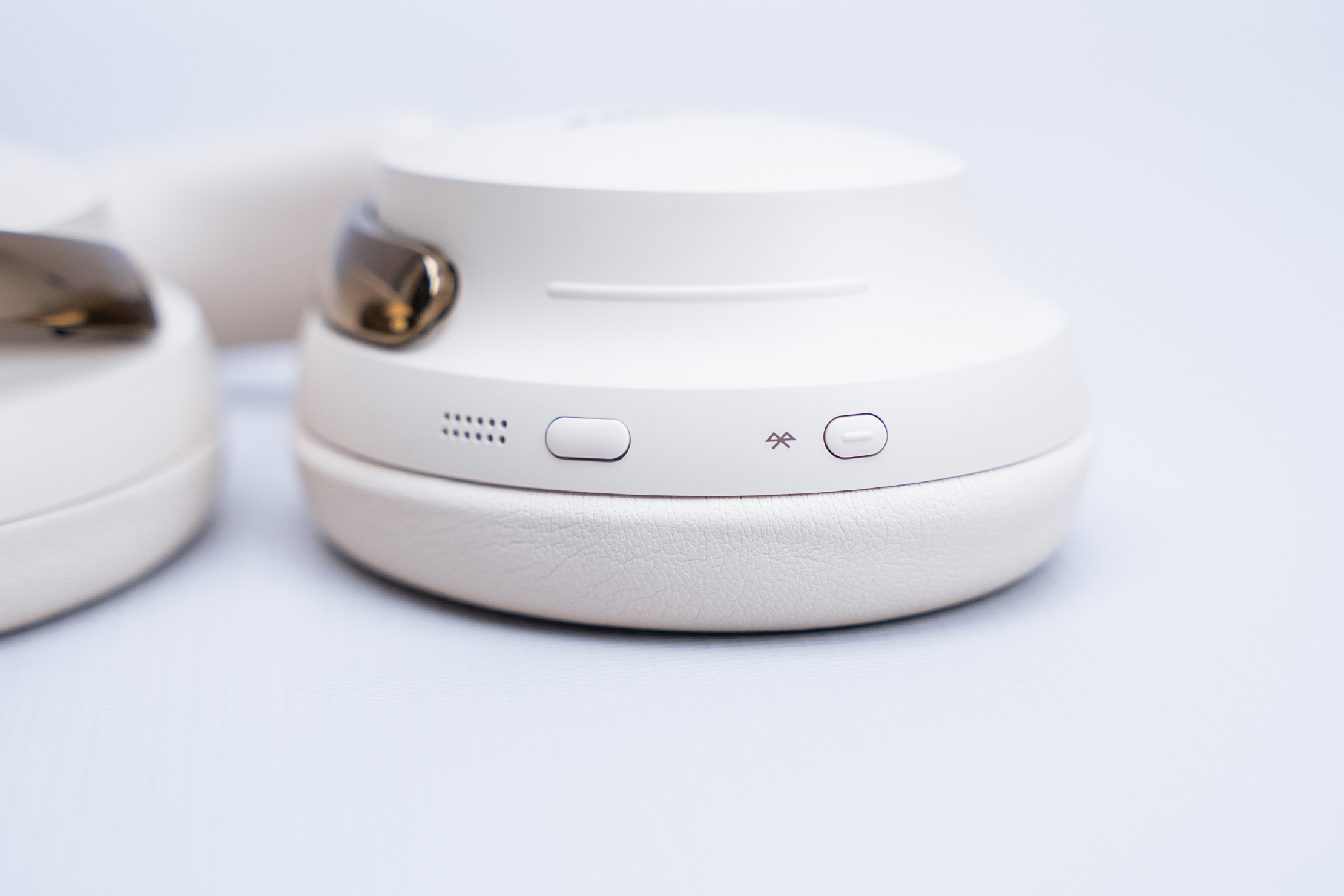
Using the QuietComfort Ultra feels intentionally streamlined. Instead of a whole playground of buttons, Bose gives you just two: one for your power/wireless connection and one multipurpose button. There’s also a raised volume ridge that’s easy to find by touch. We had a short adjustment period because we’ve used plenty of headphones with a half-dozen controls scattered across the earcups. However, once muscle memory caught up, this setup felt refreshingly simple.
The button combos are fairly straightforward. The power/wireless connection button requires a tap to wake the headphones or a long press to power up or shut them down (continuing to hold the power button initiates pairing mode). The multipurpose button handles most of the playback controls: tap to play/pause, double-tap to skip, and triple-tap to go back. If that all sounds complicated, don’t worry, because the app can guide you through all of it as many times as you need.
For more precise control, the Bose app also offers granular customizations, including ANC presets and button assignments. Also available are EQ controls and a slider for adjusting the ANC you want. The latter is a nice touch for those who want something in between hearing almost everything and intense nothingness (the QuietComfort Ultra’s ANC is quite strong).
One of our favorite features is the auto-wear detection. Put the headphones on, and they wake up; take them off, and your audio pauses. Lay the cans flat and facing the table surface, and it’ll even disconnect from your device entirely. It may sound small, but in everyday use—especially at the office—it is huge. No more scrambling to hit pause when someone walks over to ask a question. It just works.
Bluetooth performance is reliably strong. The QuietComfort Ultra pairs quickly with our phone and laptop, and switching between the two is mostly seamless. You can let the headphones auto-switch, or manually switch between devices when you need more control. A quick spoken readout lets you know what’s connected when powering on, along with the current battery percentage, which is surprisingly handy.

If needed, the QuietComfort Ultra can also connect via a USB-C cable or through the included auxiliary cable. It’s worth noting that lossless audio playback is supported through the USB-C cable, which is good news if you’re the type of traveler who likes to carry their own FLAC files around.
The earcups pop off with a satisfying click, although it requires some force, making them easy to deep clean or replace when they start wearing out. We appreciate that the pads sit on a removable frame instead of being elasticated around the headphones’ housing. Again, this is an old-school problem we’ve encountered with older cans, so we’re glad to see a much user-friendly design. The padding itself is plush, rebounds quickly, and is far more comfortable during long work sessions than many competing models. Even after several hours of wear, pressure points never became an issue.
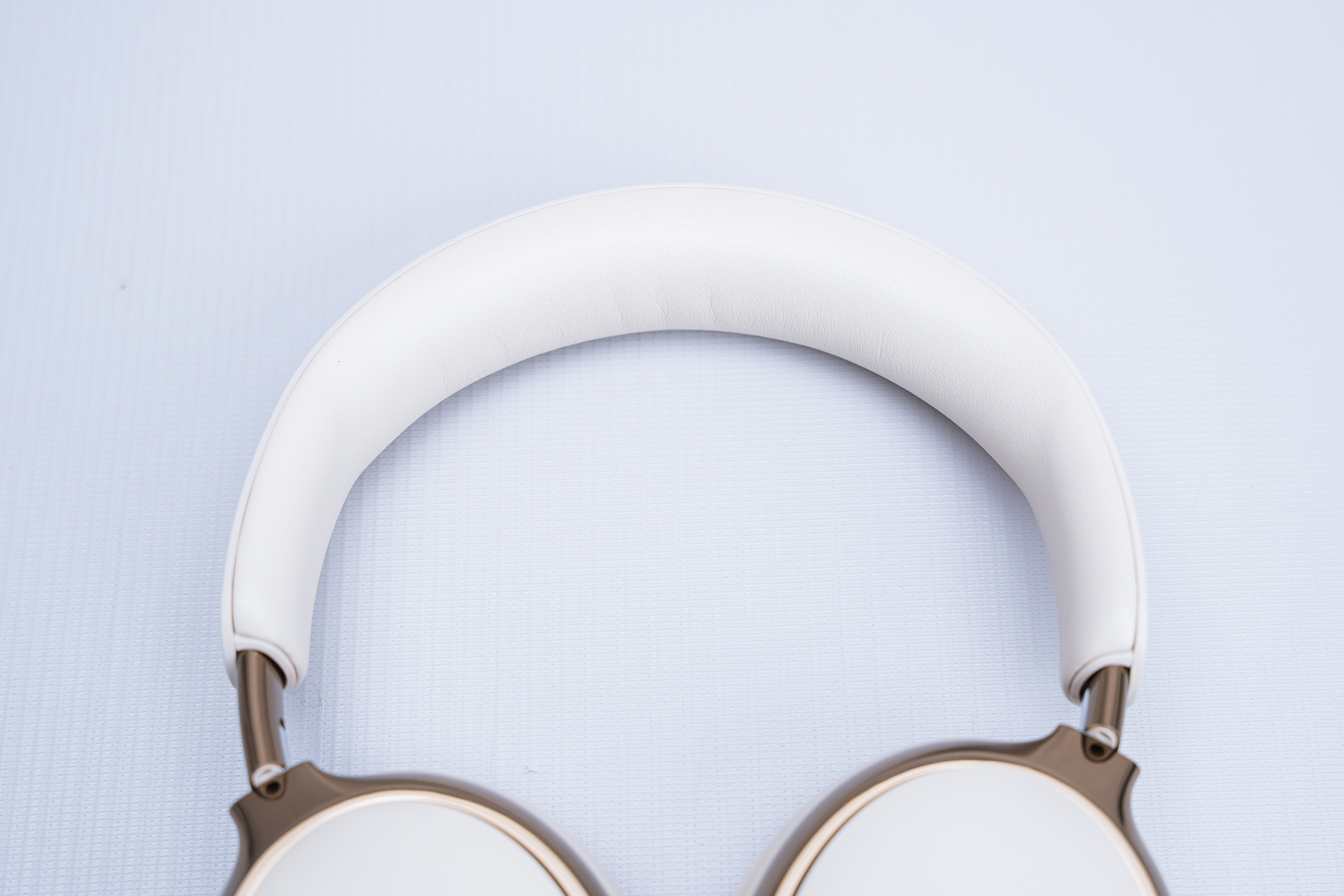
Battery performance is solid but not outstanding. With heavy daily use, we find ourselves topping them up every couple of days. It’s not bad, but if you’re used to headphones that seem to sip power for eternity, it’s worth noting that the QuietComfort Ultra sits somewhere in the middle of the pack.
Packability
The case included with the QuietComfort Ultra feels just as thoughtfully designed as the headphones themselves. It’s a structured hard shell with a slim, travel-friendly profile that disappears into a backpack more easily than many headphone cases we’ve tested. Even though it’s slightly taller than some alternatives, the slimmer, more compact silhouette makes it feel more packable overall. Inside, a soft felt lining adds a premium touch and gives the headphones a little extra cushioning when they’re bouncing around in a bag.
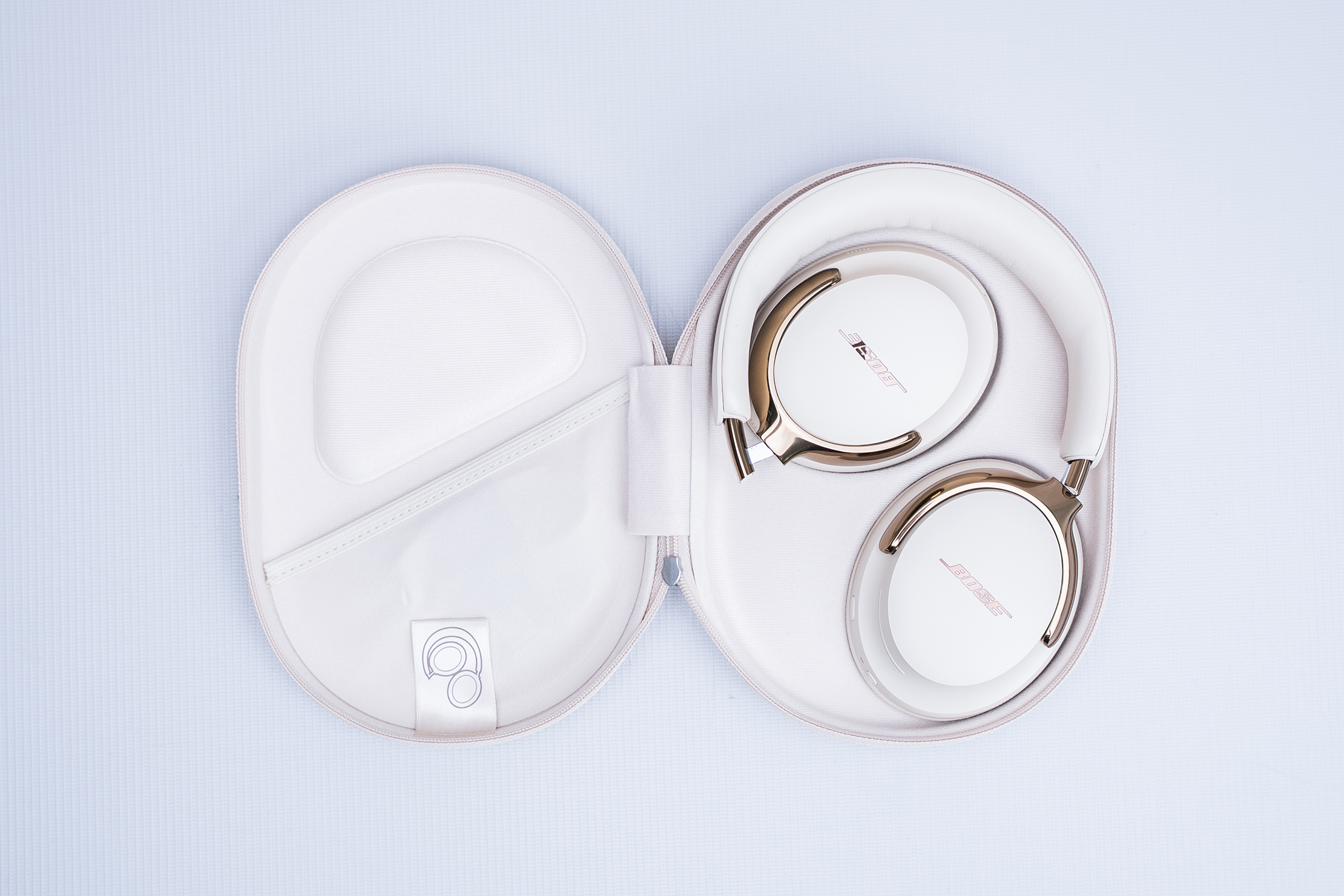
A molded interior guides you into placing the headphones in the proper orientation—pretty standard for fold-flat cans—but once you get the hang of it, it’s easy. The zippered pocket holds the included USB-C charging cable and auxiliary cable, keeping everything organized and preventing them from rattling around loose. It’s a simple case, but it’s secure, space-efficient, and clearly designed for travel. We appreciate when accessory cases feel intentional instead of like an afterthought, and this one definitely lands in the “well executed” category.
Quick Comparison
Swapping between the Bose QuietComfort Ultra and the Soundcore Space Q45 highlights some clear differences. The first thing that jumped out to us is the weight—not the numbers on paper, but how each pair feels during real-world use. The Bose model feels noticeably lighter and better balanced, especially when we’re moving around. With the Space 45, we occasionally experience shifting or slight wobbling when leaning forward or turning quickly. The QuietComfort Ultra stays put, and the thicker padding around the headband makes a big difference in long-term comfort. The Bose earcups also rebound faster and more evenly than the denser Soundcore padding, which tends to bottom out sooner.
Build quality between the two is closer than you might expect—both primarily use plastic—but the Bose construction feels cleaner and more refined in the hand. The case is another win for Bose: slim, packable, and lined with a soft felt interior that feels premium. It’s slightly taller than the Soundcore case, but slimmer in a way that allows it to slide into bags more comfortably. The one area where Soundcore absolutely wins is battery life. If you need a pair that rarely needs a charge, the Space 45 has stamina that borders on ridiculous. But for pure comfort, fit stability, and ease of cleaning, the QuietComfort Ultra takes the edge.
Usage Timeline
Condition: Excellent
- Digging the sleek colorway options
- Carry case is pretty packable
- Headphones feel lightweight
Condition: Excellent
- Comfortable to wear over long periods
- No sign of wear and tear on the ear cups
- Controls take some getting used to



Get your questions about the Bose QuietComfort Ultra Headphones (2nd Gen) answered from our team and the Pro Community right here on the page. Plus, join discussions with other members about gear, guides, and more.
Join Pack Hacker Pro or, Sign In