Satechi OntheGo 7-in-1 Multiport Adapter Review
The Satechi OntheGo™ 7-in-1 Multiport Adapter is a reliable digital travel companion, thanks to its compact circular design, robust cable, and versatile ports.
Our Verdict
Save time. Get access to brief summaries of our reviews so you can browse and make decisions more efficiently.
Pros
- The circular is thick, though it takes up less horizontal space in pouch
- It has unique cable storage that prevents damage
- All seven ports are useful
Cons
- The USB-C port doesn’t transfer data
- Two USB-A ports are useful, though outdated
- The SD card ports grind a bit in use
Technical Details
-
Weight (oz)
2.4 oz (68 g)
-
Dimensions
1.05 in x 2.55 in x 2.55 in (2.7 x 6.5 x 6.5 cm)
-
Notable Materials
Plastic
-
Manufacturing Country
China
-
Warranty Information

Full Review
The Satechi OntheGo™ 7-in-1 Multiport Adapter is unique for two primary reasons. First, it’s a circle in an industry filled with rectangular dongles. Second, it features magnets, allowing it to attach to your phone, metal PC case, or other magnetic materials. Are these features gimmicky, or do they actually make your life easier while transferring data, charging, and streaming? Let’s dive in and find out.
The Rundown
The Satechi OntheGo™ 7-in-1 Multiport Adapter is primarily made of plastic with some metal components. The general idea is that it functions as a dongle for any device with a USB-C port, such as your phone, tablet, or computer. It has a unique design, similar to accessories like the MOGICS Super Bagel, where the cable wraps around the circularly designed device, hiding inside out of harm’s way. The cable isn’t very long, but, for a dongle, it doesn’t have to be, since those are usually next to you.
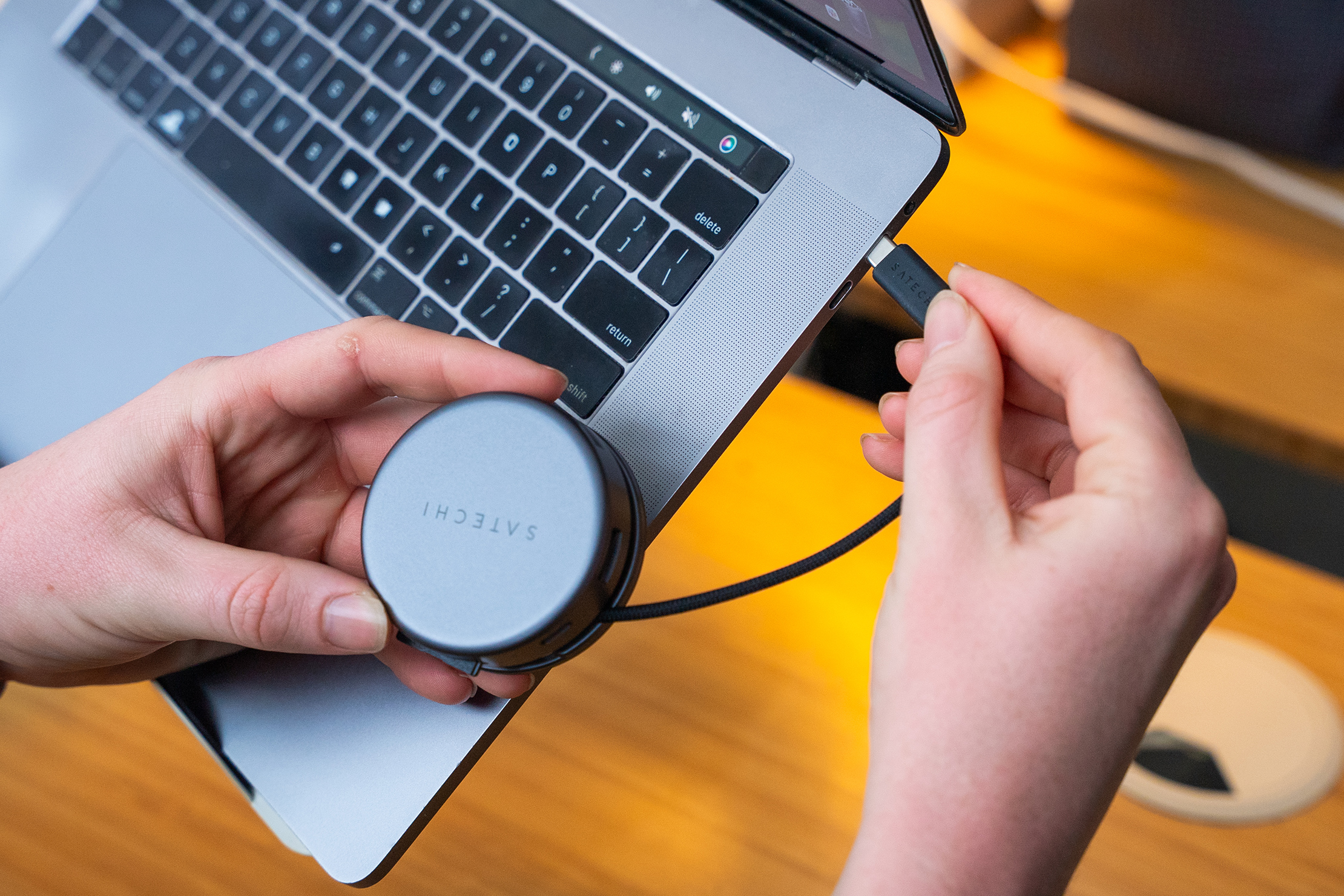
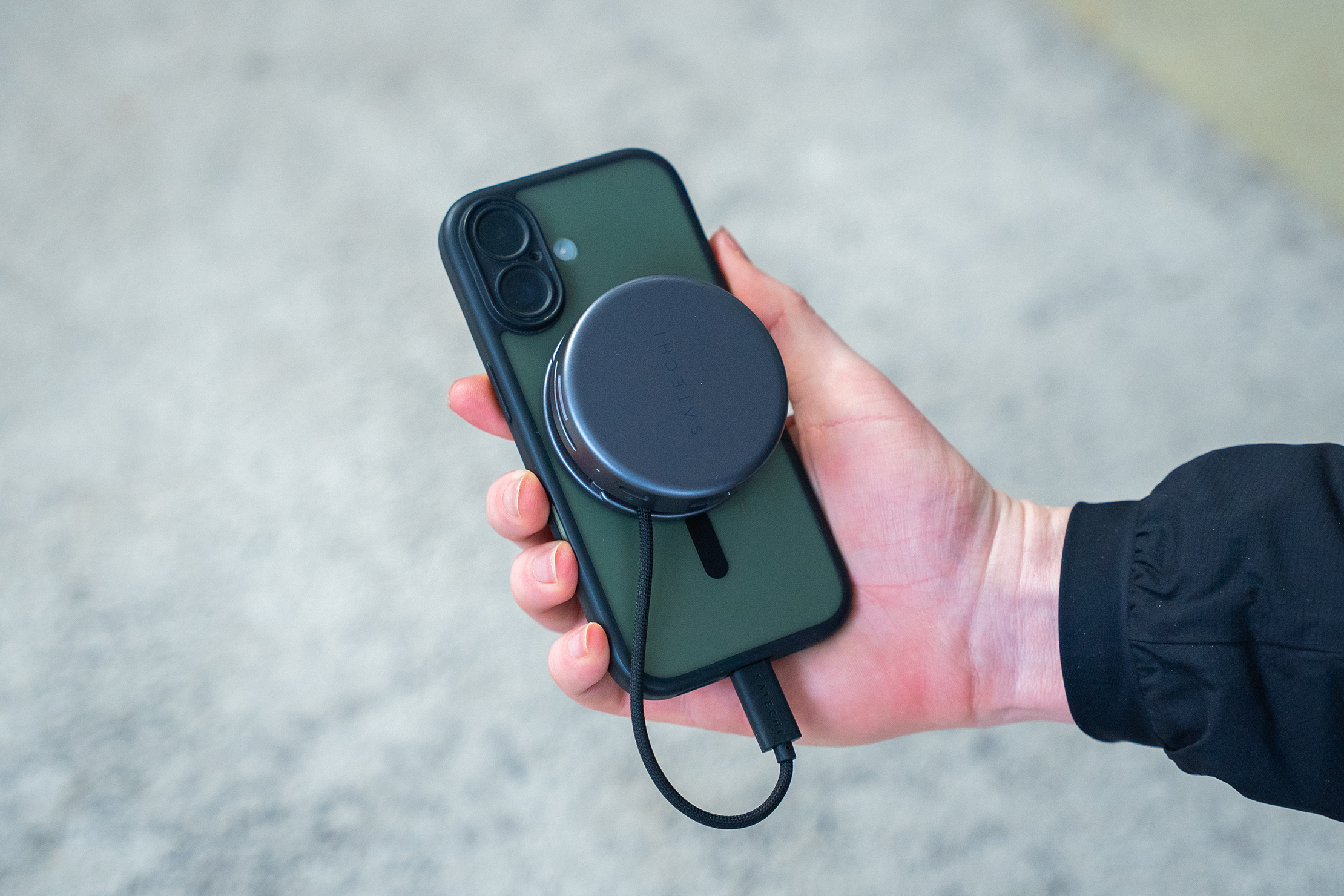
You can attach the device to any kind of magnetic metal, including a MagSafe phone, which is handy. In testing, it was convenient to keep it attached to the phone while transferring data. Plus, if you have a metal PC, it’ll attach anywhere to the case. It won’t attach to most MacBooks, as they aren’t crafted from a magnetic material. However, the dongle comes with a 3M adhesive ring, so you can attach it to almost anything, even if it isn’t magnetic.
The dongle features two USB-A 3.2 ports, a single USB-C PD port, one SD card slot, one MicroSD card slot, an HDMI port, and an Ethernet port.
In testing, we used the USB-C port to charge various devices. It won’t work for transferring data, which feels like a missed opportunity. We learned this the hard way after trying to use it to transfer data from a drone. Still, the fast charging capabilities of the port are handy.
You can use the USB-A ports to charge devices or to transfer data. There are two, and you can use them simultaneously. For a modern device, we would have preferred multiple USB-C ports that transfer data and a single USB-A port (that also transfers data), but this design works fine, so long as you still have use for the USB-A ports.
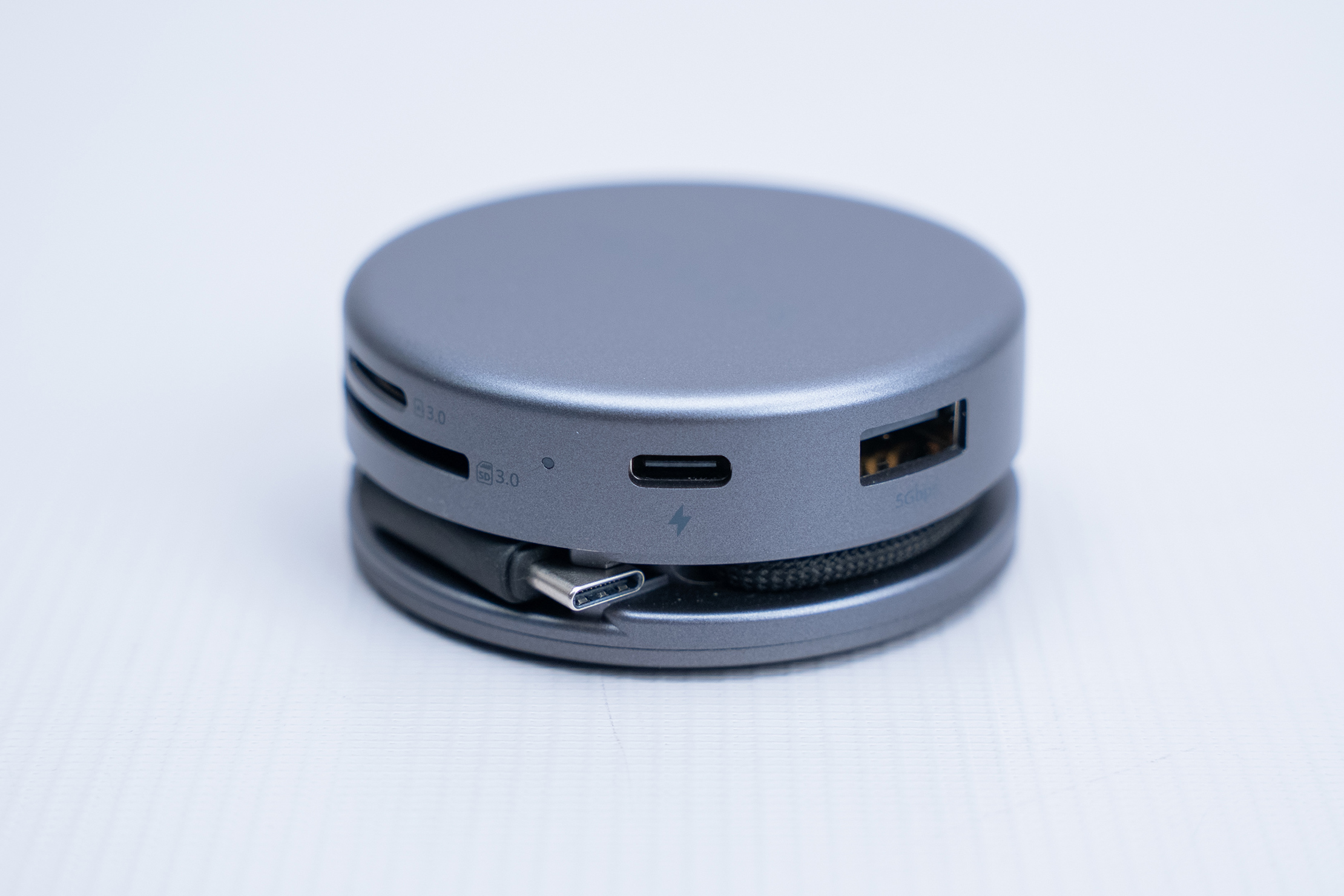
The SD cards both work well for transferring data; however, their design doesn’t inspire confidence. Because the device is round, the opening is broader than we’re used to, making it harder to insert the card straight every time. Additionally, there’s some grinding on the top and bottom of the card when you insert it, which scrapes your eardrums and the inside of your brain with fear that your card will be corrupted. In dozens of tests, all our cards still work, but the design doesn’t leave a good impression.
The HDMI port functions as expected and locks the cable in place when in use. Some HDMI ports release cables fairly easily, which is problematic, but that isn’t the case here.
The Ethernet port is quick to use and snappily locks in and unclips cables when needed. We didn’t think we’d use this much, but it came in handy on a trip to rural Michigan when a relative’s WiFi was slower than a tortoise walking up a hill.
Generally, using this device works well if you know what every port does and what it doesn’t do. The only real complaint we have about using any of the ports is the grinding noise that occurs when inserting and removing an SD card.
Packability
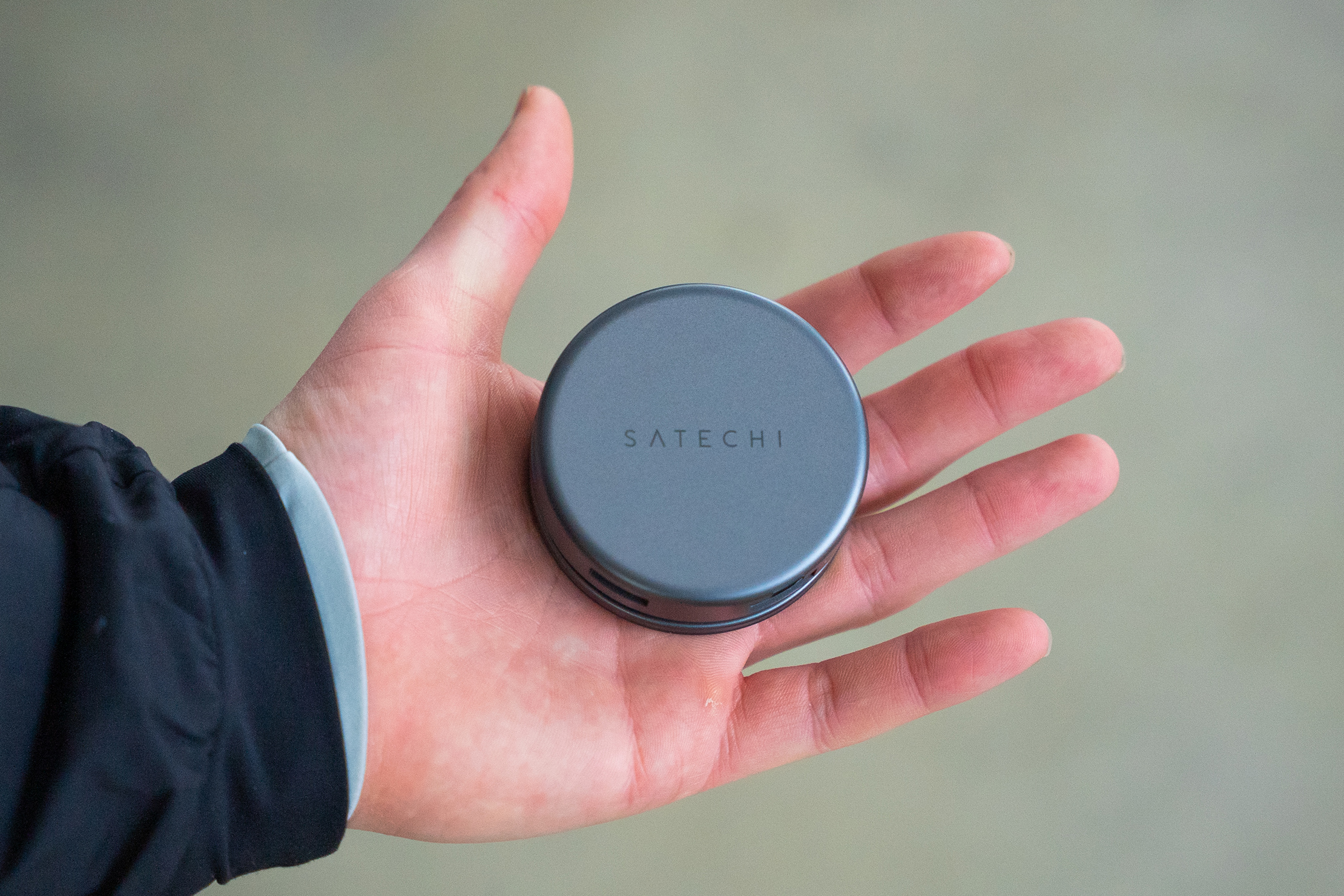
Our favorite aspect of this dongle is its compact size. Because it’s a circle, you can fit the same number of ports into its design as you can in a larger rectangular dongle; however, some of them are a bit more challenging to use due to the curved design. Still, you can fit it into your front or back pocket without issue for use on the go with your phone, tablet, or camera.
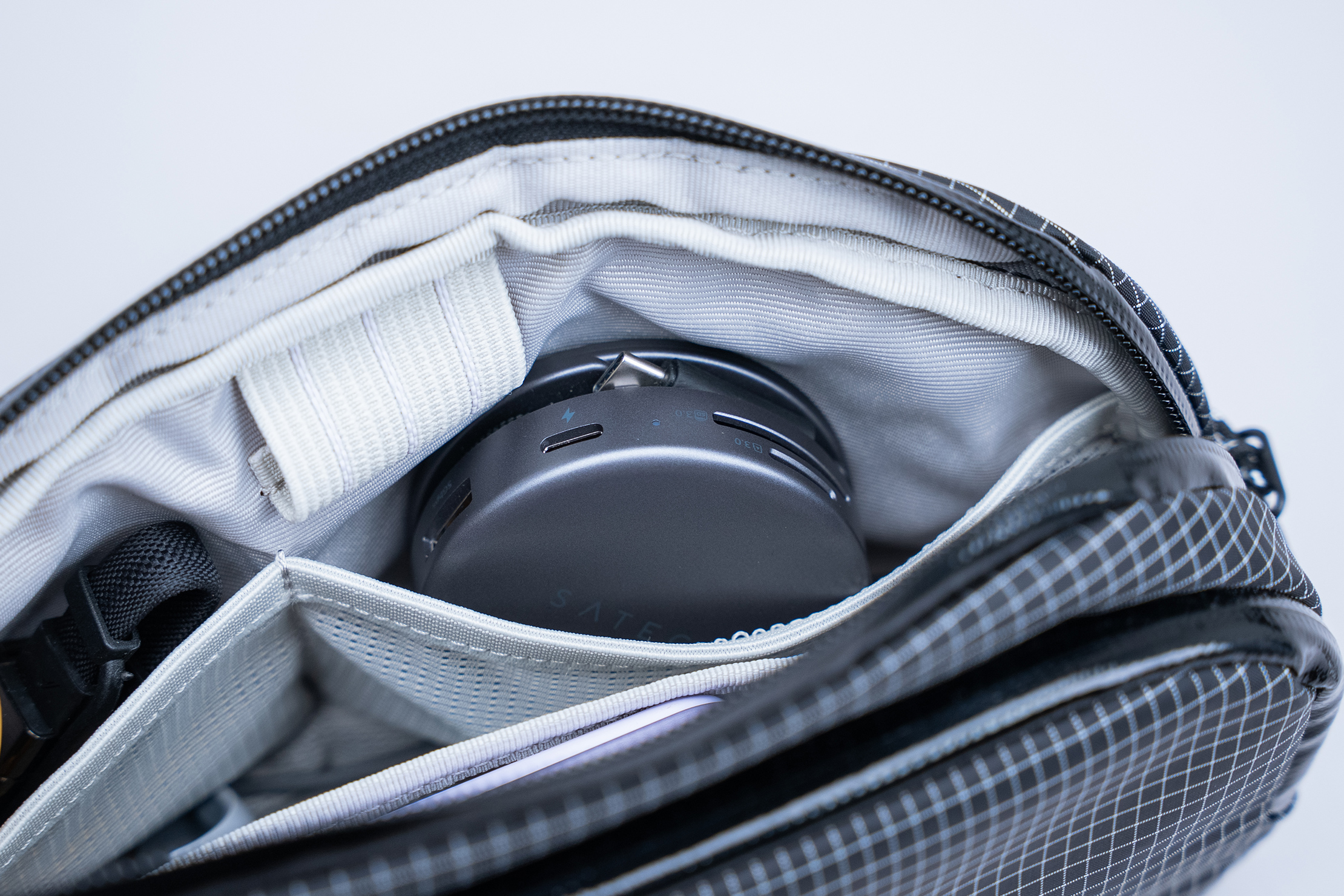
Because of its size, it’ll fit into places inside your tech pouch, sling, or daypack without issue. Its size and shape remind us of an Icebreakers Mints container. This won’t keep your breath minty cool, but it’ll help you charge and transfer data.
Quick Comparison
Compared to most dongles, the most notable difference in design is its shape. Almost every dongle we’ve ever used has been a rectangle, so the circular design is unique, and we love how it saves space. It’s thicker than most of the dongles that we’ve tested, too, but the footprint is much smaller.
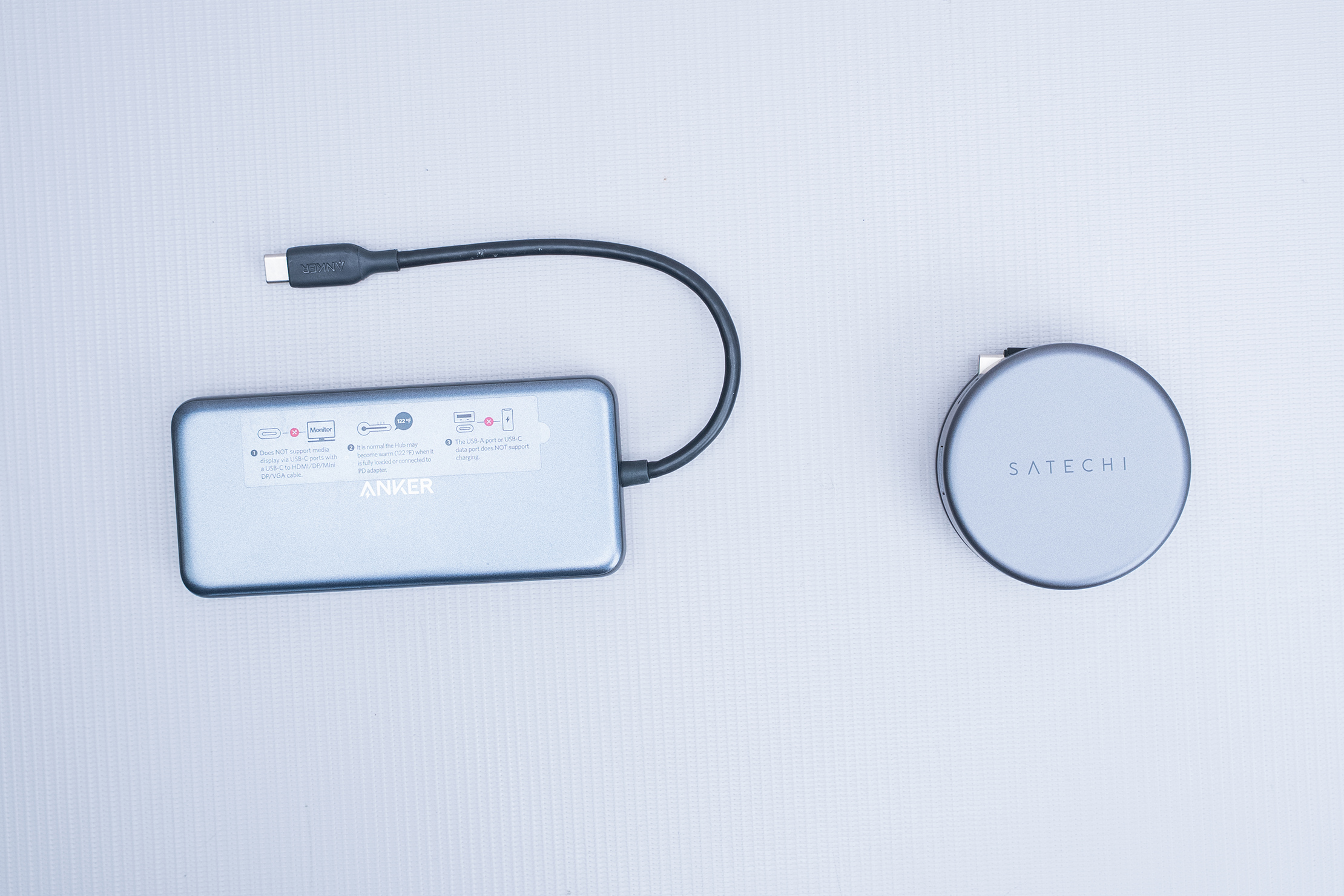
The hidden cable keeps it safe, preventing it from being damaged or snagged in transit. The weak point on a standard dongle is that the cable hangs out when it is not in use, which can lead to damage, even if you use an included case, which most devices come with. The cable has a natural protective coating, which we appreciate.
Seven ports are pretty standard for a basic dongle, although the inclusion of an Ethernet port is handy and not always included on more budget-friendly models.
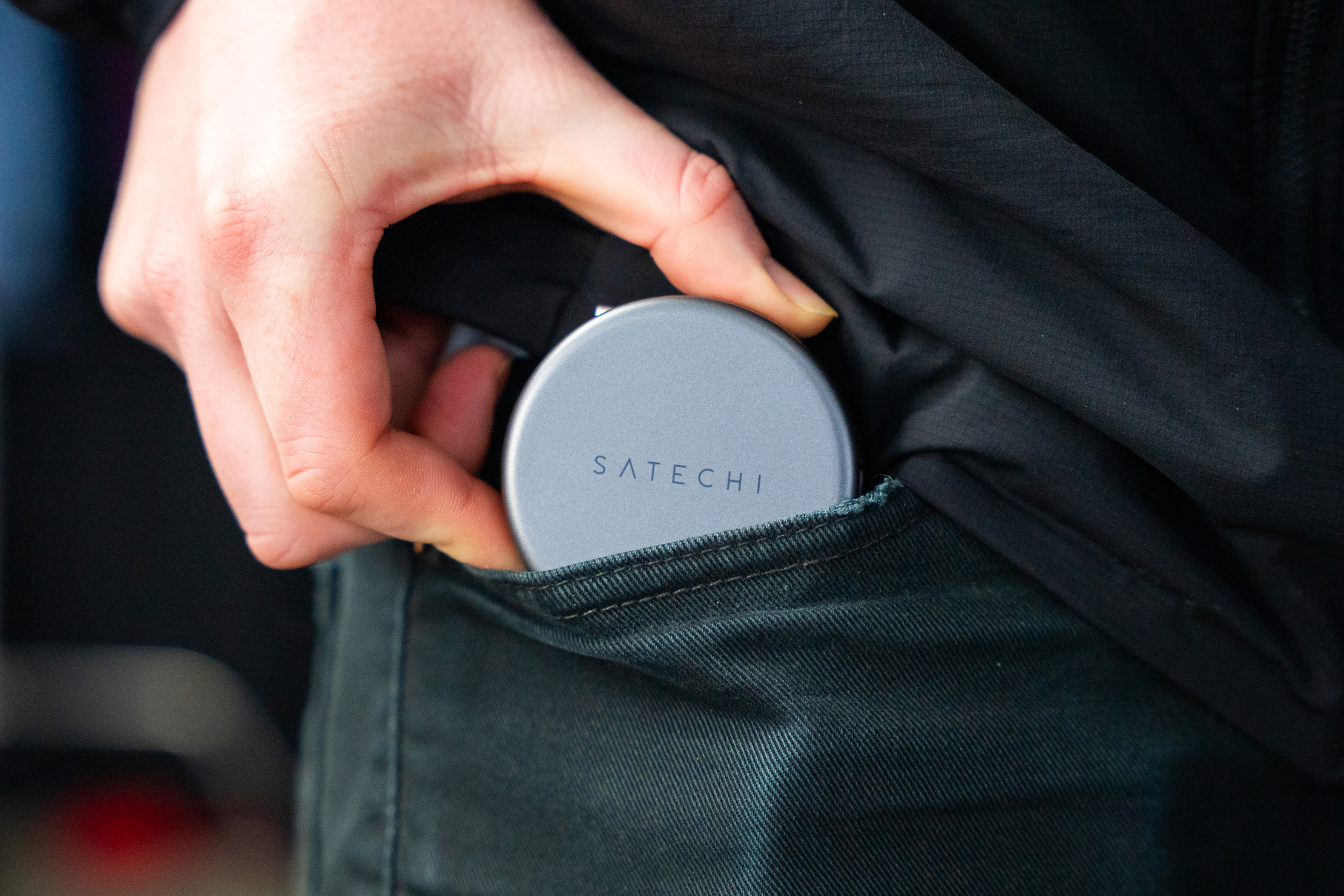
The ports on this dongle aren’t always as easy to use as those on a rectangular dongle, although we were able to get used to almost all of them within two weeks of testing. The SD card slots aren’t our favorite, and we’re curious if they could cause damage over time.
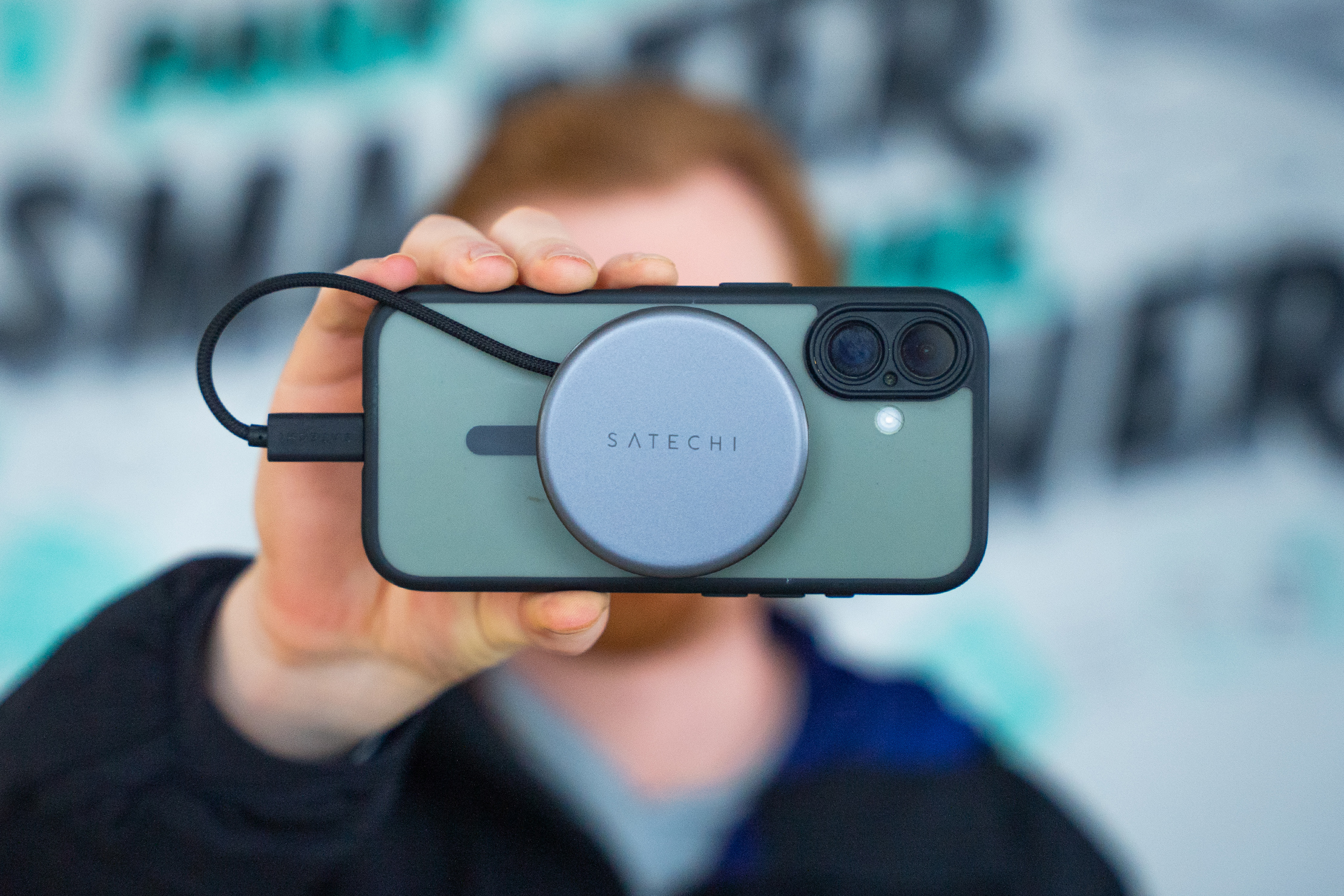
The dongle is on the more expensive side at $60. There are undoubtedly other dongles on the market that cost this much. Still, there are at least a dozen from Anker alone that cost less than this, sometimes with more ports. They aren’t circular, though, which might explain the price difference. If portability is key, or if you’re a fan of magnets, the Satechi OntheGo™ 7-in-1 Multiport Adapter might be for you!
Usage Timeline
Condition: Excellent
- The plastic doesn’t feel very durable, but we’ll test that
- We’re curious if we’ll want the cable to be longer
- No issues with functionality so far
Condition: Excellent
- The plastic, ports, and magnet have held up during testing
- The magnet is snappy and easy to attach and remove
- No issues with using any of the ports, though the SD card slots aren’t very intuitive


We’ve teamed up with CabinZero to give away a selection of top travel gear! Check it out →


Get your questions about the Satechi OntheGo 7-in-1 Multiport Adapter answered from our team and the Pro Community right here on the page. Plus, join discussions with other members about gear, guides, and more.
Join Pack Hacker Pro or, Sign In